
Simplifying Agreements for Millions
Docusign AI Agreement Summary and Q&A in Signing
Docusign is where millions of people interact with agreements every day—often under time pressure and with limited legal context. Research showed that nearly 60% of signers agree to terms they don’t fully understand, while complex contracts create frustration and anxiety for many users.
This project focused on reimagining the signer experience with contract-specific AI, introducing plain-English summaries and question-driven guidance that help users understand what matters—without replacing or oversimplifying the agreement itself. The goal was to increase confidence, trust, and speed at one of the most critical moments in any business workflow.
👩🏻💻 Role:
Lead Designer
🤝 Team:
Product Manager, Front/Back End Engineering, Acessibility Engineer, AI Content Writer, AI Engineering
🛠️ Timeline:
January 2025 – present
Problem
The signing experience forces users to choose between speed and understanding. When agreements are difficult to interpret, signers either spend time deciphering legal language or proceed without clarity—undermining trust at a critical moment of decision.
Why this matters
For users:
Signing an agreement often happens under time pressure. Confusion at this moment creates anxiety and reduces confidence, leaving people unsure about their obligations or next steps.
For the business:
When users sign without understanding, mistakes, disputes, and support escalations increase, eroding trust in the platform and introducing avoidable risk. As the intermediary for millions of agreements, Docusign has a responsibility and opportunity to improve this experience at scale.

Solution
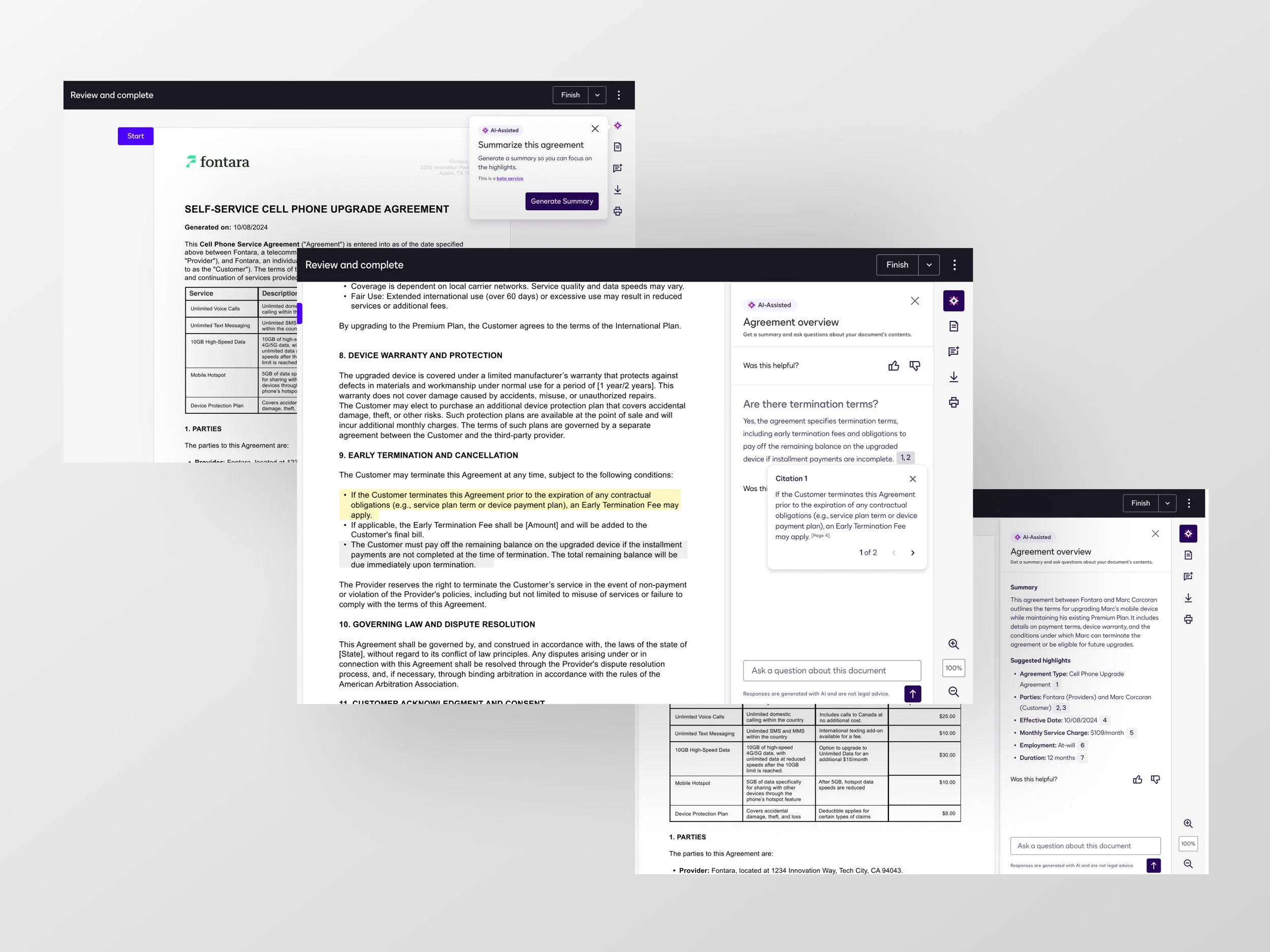
Rather than asking users to interpret legal documents on their own, the solution brings understanding into the signing moment itself… using AI to translate complexity into clarity while maintaining transparency, trust, and document integrity.
Key Capabilities
Plain-English summaries
Surface the most relevant terms so users can quickly understand what they’re agreeing to.
Contextual Q&A
Allow signers to ask natural-language questions (e.g., cancellation, obligations) without leaving the flow.
Source-linked explanations
Reinforce trust by clearly connecting AI outputs to the agreement text.
Inline, non-disruptive integration
Keep users oriented within the document rather than forcing context switches or external help.
Approach
1. Design for trust, not just utility
Introducing AI into a legal context isn’t just a usability challenge—it’s a trust problem.
Early research showed that users were skeptical of AI-generated interpretations, especially when decisions carried financial or legal consequences. Even accurate outputs could feel risky if users didn’t understand where the information came from.
We established a core principle:
AI should support understanding –not replace judgement.
This led to three foundational design pillars:
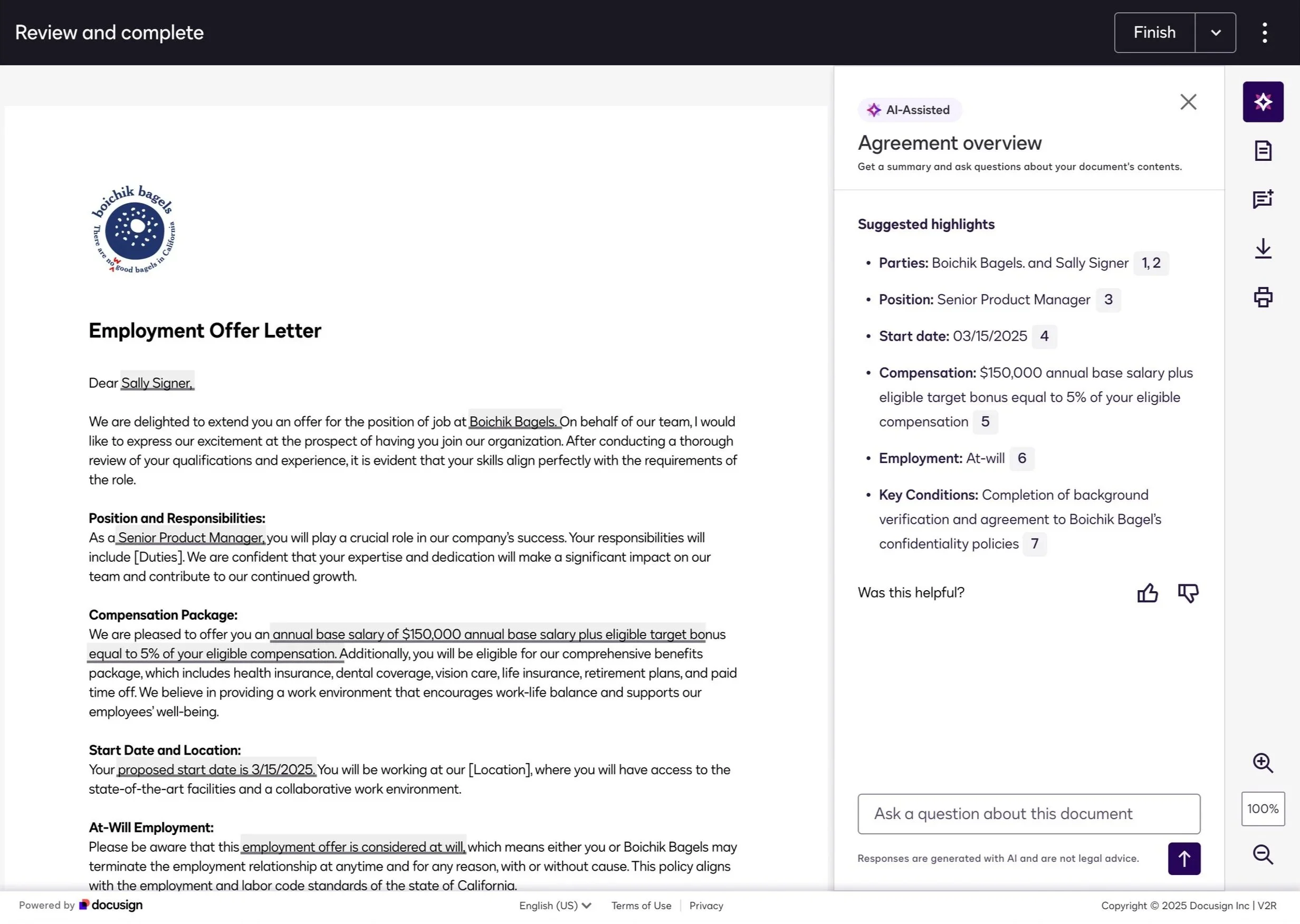
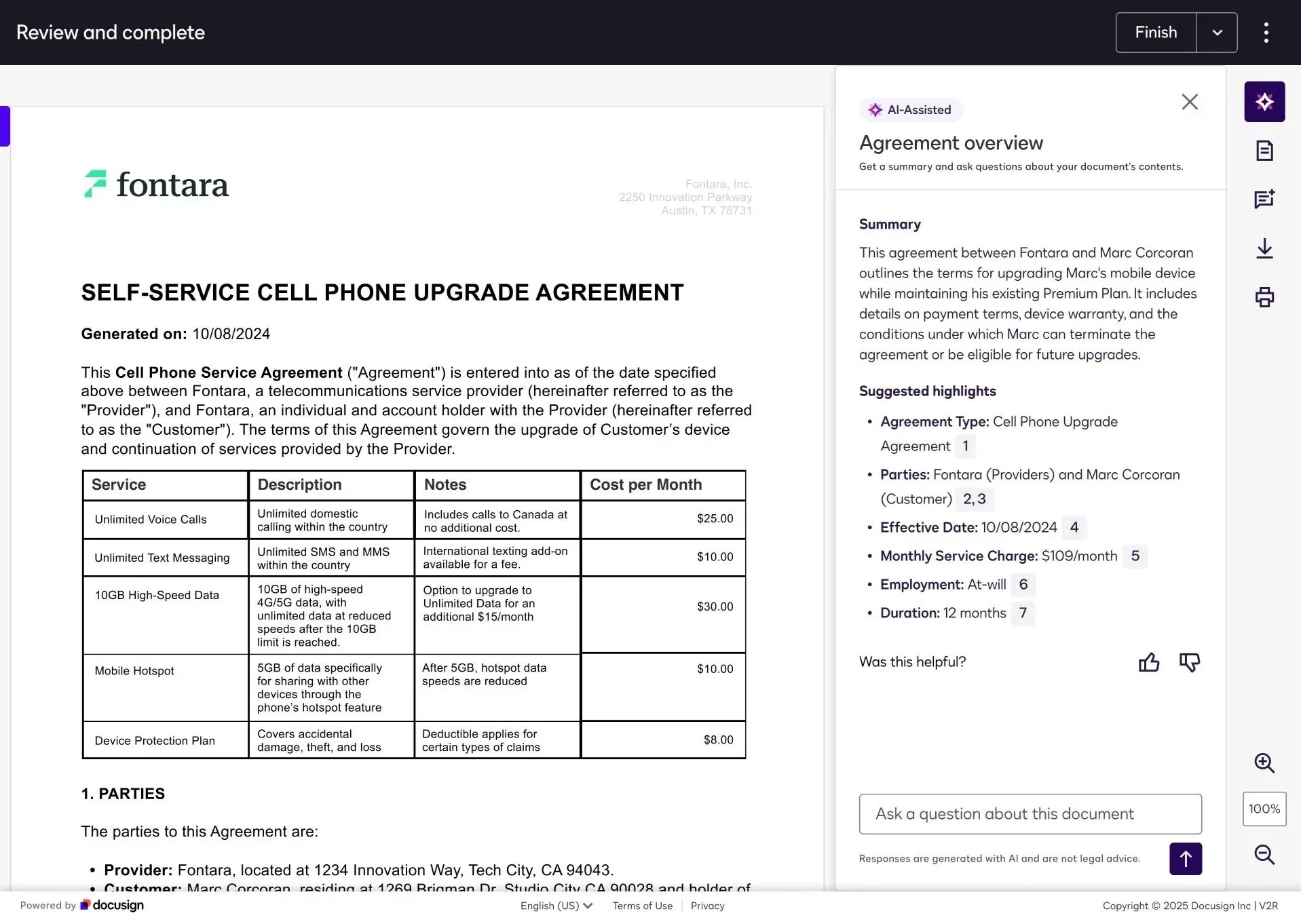
Traceability through citations
Every summary point and answer is grounded in the source document through citations. Users can quickly verify where information is coming from, reducing perceived risk.
Structured, scannable outputs
Instead of attempting to summarize everything, we focused on surfacing what users most commonly look for—key terms, obligations, deadlines, and risks.
Neutral, non-prescriptive tone
We avoided conversational or overly simplified language that could imply interpretation. The AI communicates clearly, but doesn’t “advise.”
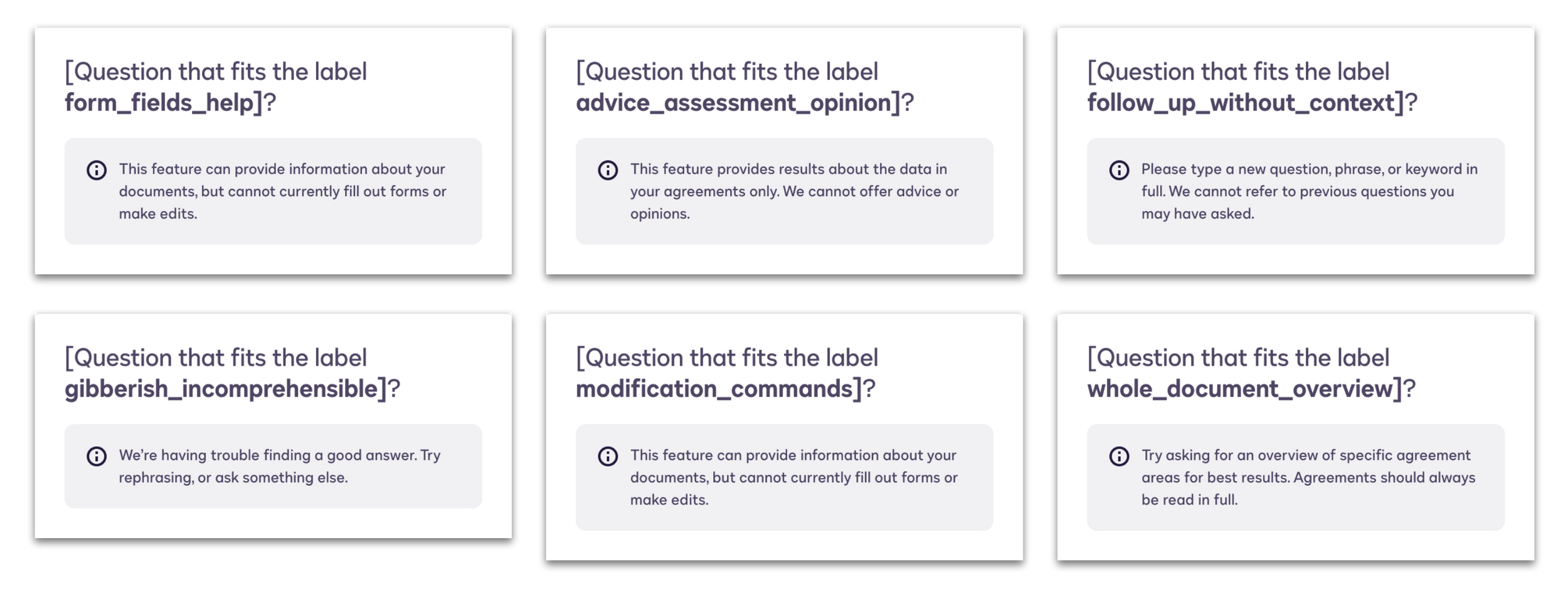
Together, these choices shifted AI from a “black box” into something users could interrogate, validate, and trust.
2. Integrating AI into the signing flow
A major risk was introducing friction into a flow that’s inherently task-driven. Signing is something users want to complete quickly—any added complexity could easily backfire.
Rather than treating AI as a separate feature, we integrated it directly into the signing experience:
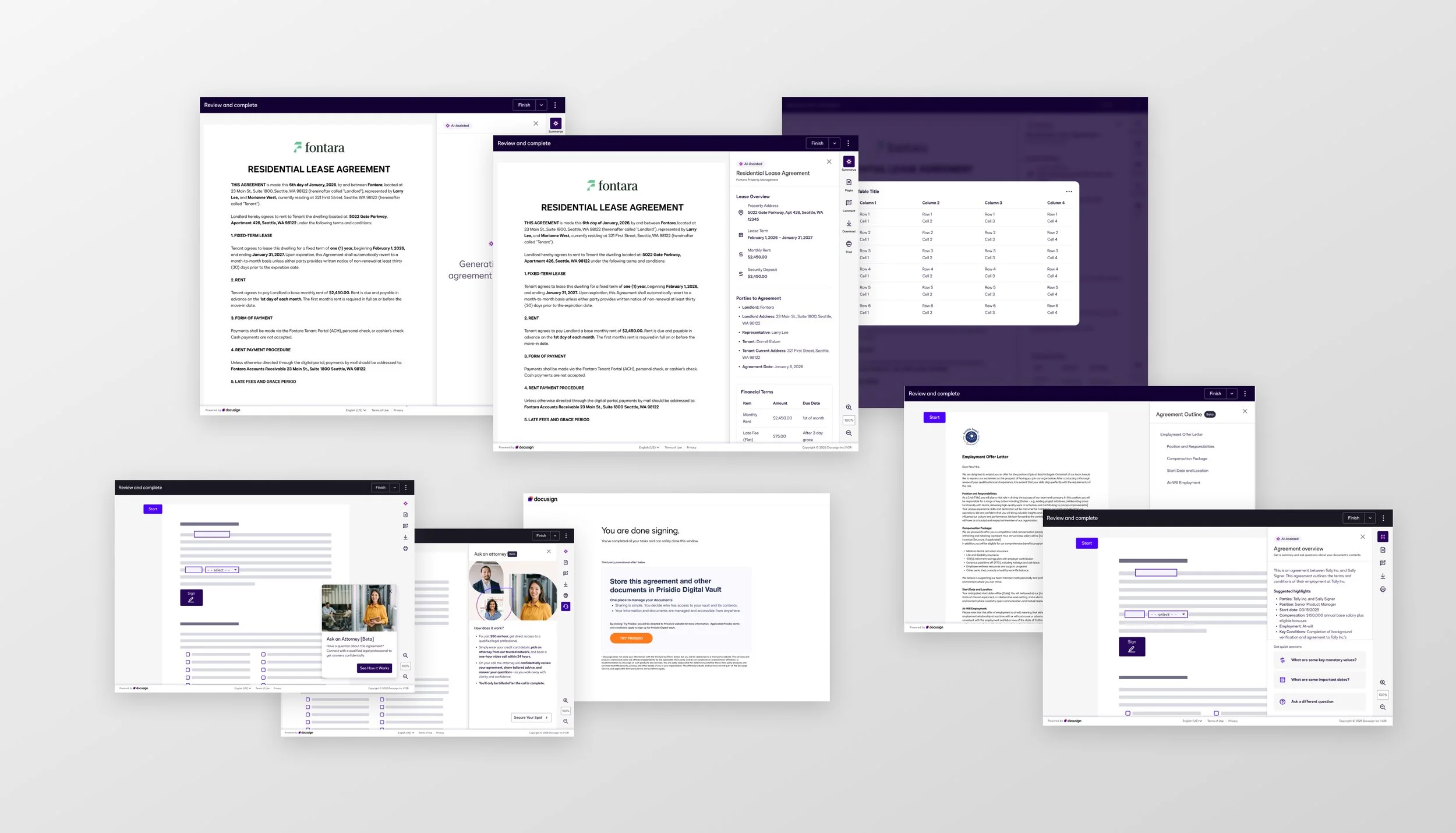
Summaries are available alongside the document, enabling quick scanning without disrupting reading
Q&A is accessible in context, allowing users to ask questions without navigating away
Interactions remain lightweight and optional, preserving user control and momentum
This approach ensured AI felt like a natural extension of the signing experience, not a tool users had to learn or switch into.
By embedding AI into the existing flow, we avoided creating a tradeoff between speed and comprehension—users could move quickly, with support available when needed.
3. Rapid iteration and studies
Designing for AI required a fundamentally different approach than traditional product work. Because outputs are dynamic and probabilistic, we couldn’t rely solely on upfront design decisions—we needed continuous validation.
We ran 10+ rapid research and evaluative studies to understand: (some screens found below)
When users actually seek help while signing
What makes AI feel trustworthy vs. unreliable
How different response styles impact comprehension and confidence
These insights directly shaped the experience:
Shorter, structured summaries outperformed longer explanations
Immediate access to source text significantly increased trust
Precision in Q&A responses mattered more than breadth or conversational tone
We iterated quickly on:
Information hierarchy
Response formatting and length
Entry points and interaction patterns
This tight feedback loop allowed us to refine both the UX and AI behavior in tandem, ensuring the experience felt reliable, useful, and aligned with real user needs.
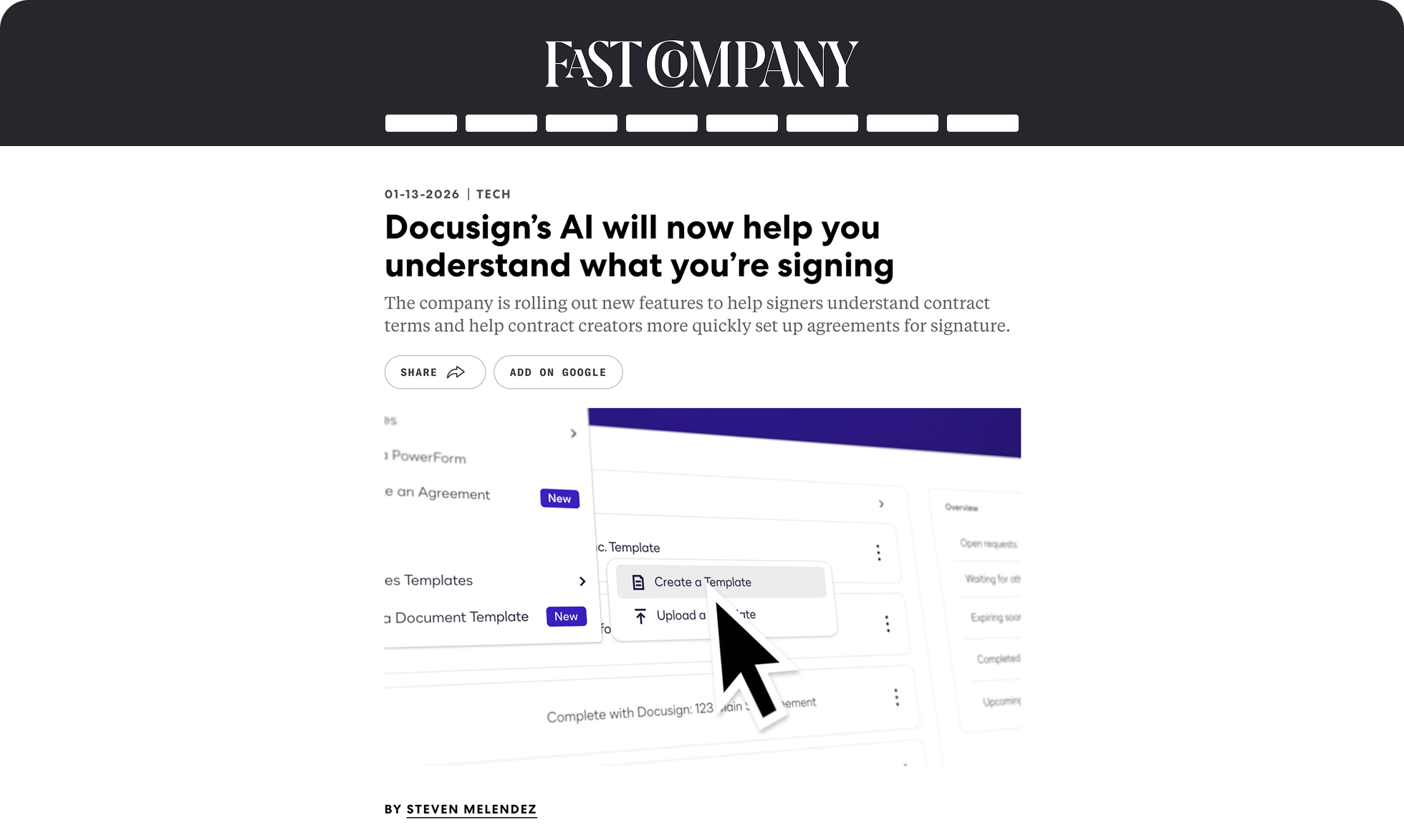
Recognition
View our feature on Fast Company
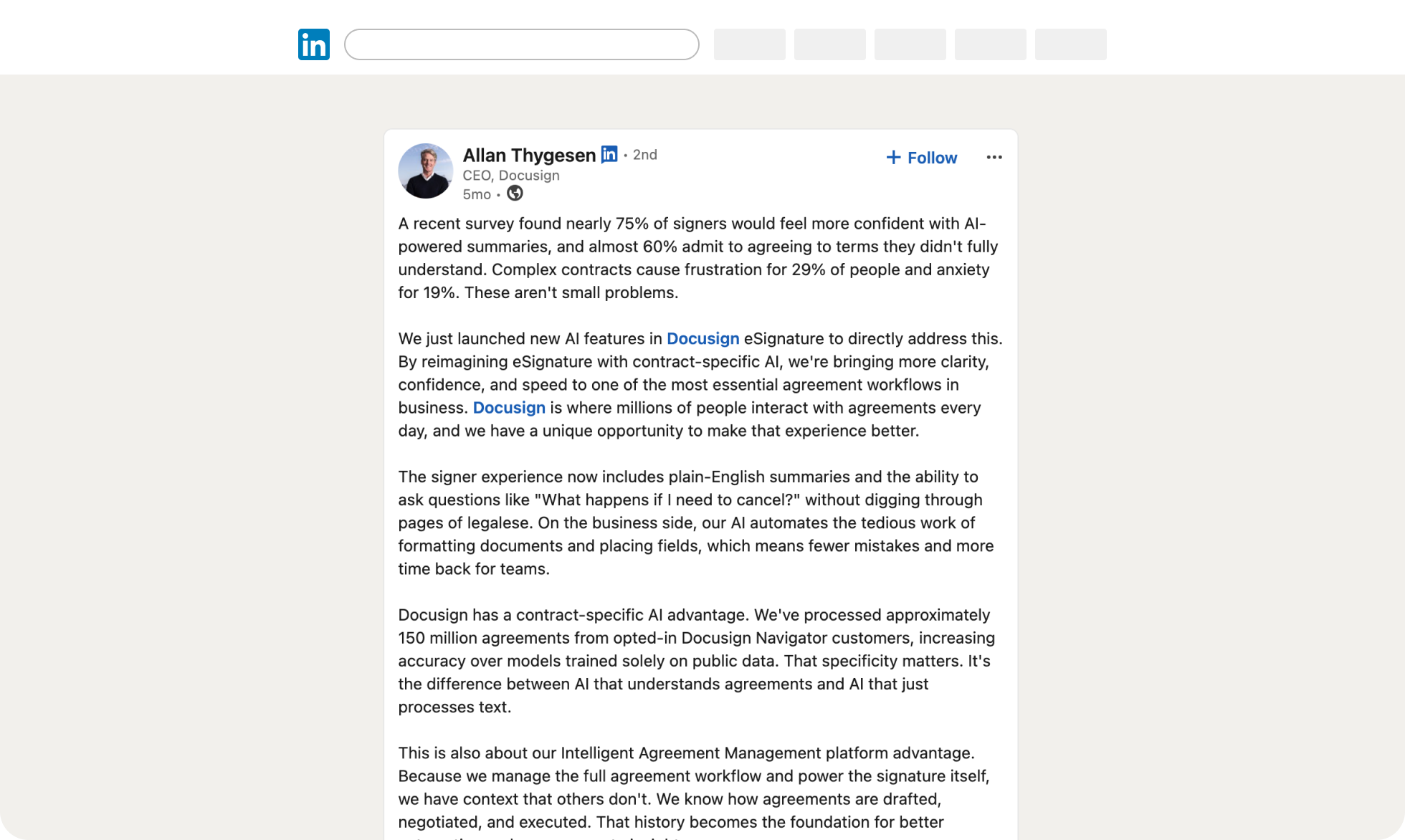
View our feature on Docusign CEO Linkedin
Next Steps…
Following launch, we continuously review customer feedback, product analytics, and qualitative research to identify opportunities for improvement and validate where AI delivers the most value. Each iteration is driven by measurable user behavior, ensuring we evolve the experience based on evidence rather than assumptions.
As part of H2 planning, I partnered closely with Product and Engineering to define a longer-term vision for Signing, identifying six new experience opportunities that extend beyond execution to help users better understand, navigate, and confidently complete agreements.
This work positions AI Summary and Q&A as the first step toward a more intelligent, assistive signing experience—one that continues to evolve alongside our customers' needs.